Any device
Learning that fits in a pocket
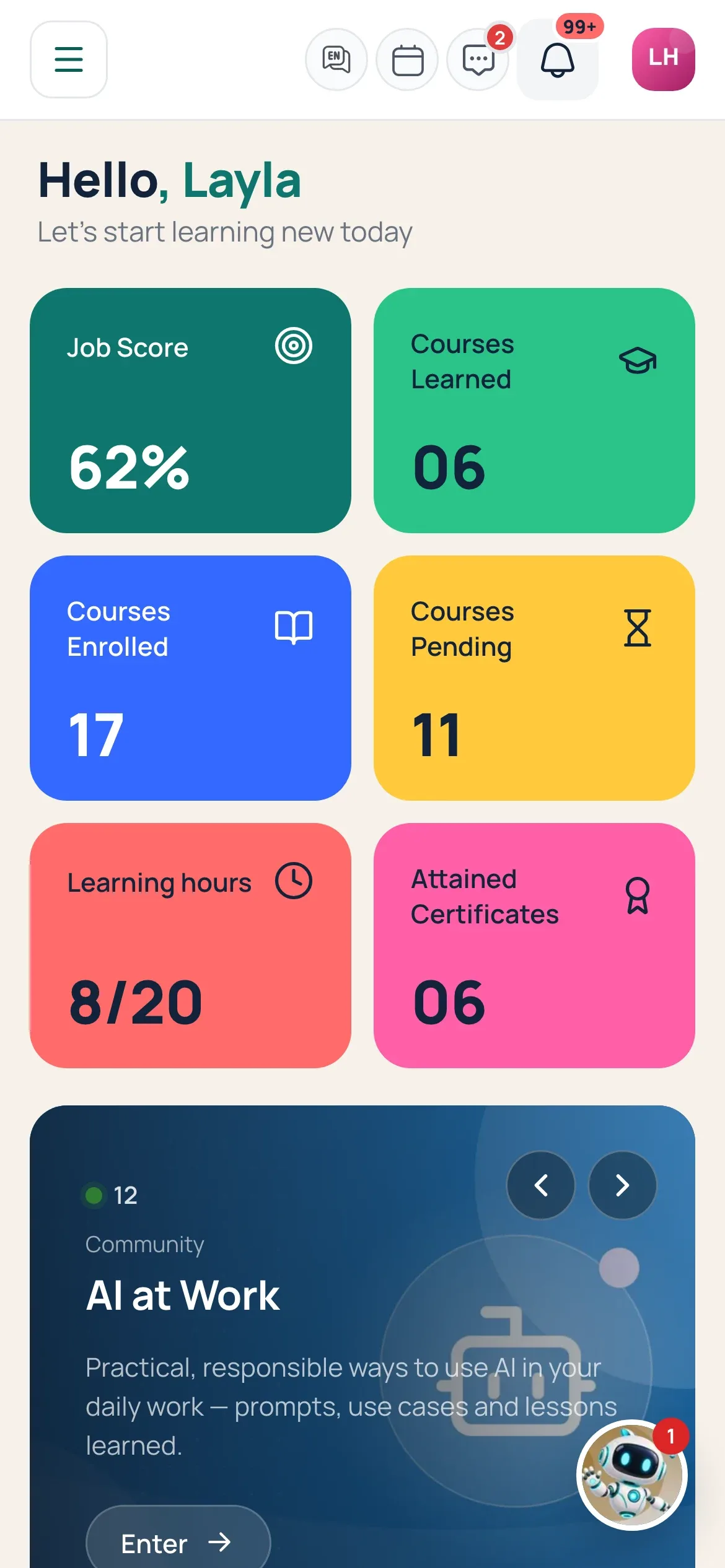
Masar adapts to every screen, so people can learn, join sessions and check what is due from their phone.
- 01
Nothing to install
Open Masar in the phone’s browser and sign in.
- 02
Same experience
Courses, live sessions, messages and Lea work on every screen.
- 03
Right to left too
The Arabic interface mirrors on small screens as well.
What’s included
- Responsive on phone and tablet
- Course player on any screen
- QR check-in at live sessions
- Messages and notifications
- Lea on the go
- Light and dark mode
Related features
See your path on Masar
A live walkthrough around your own use cases, in your language.